
Podcast Studio
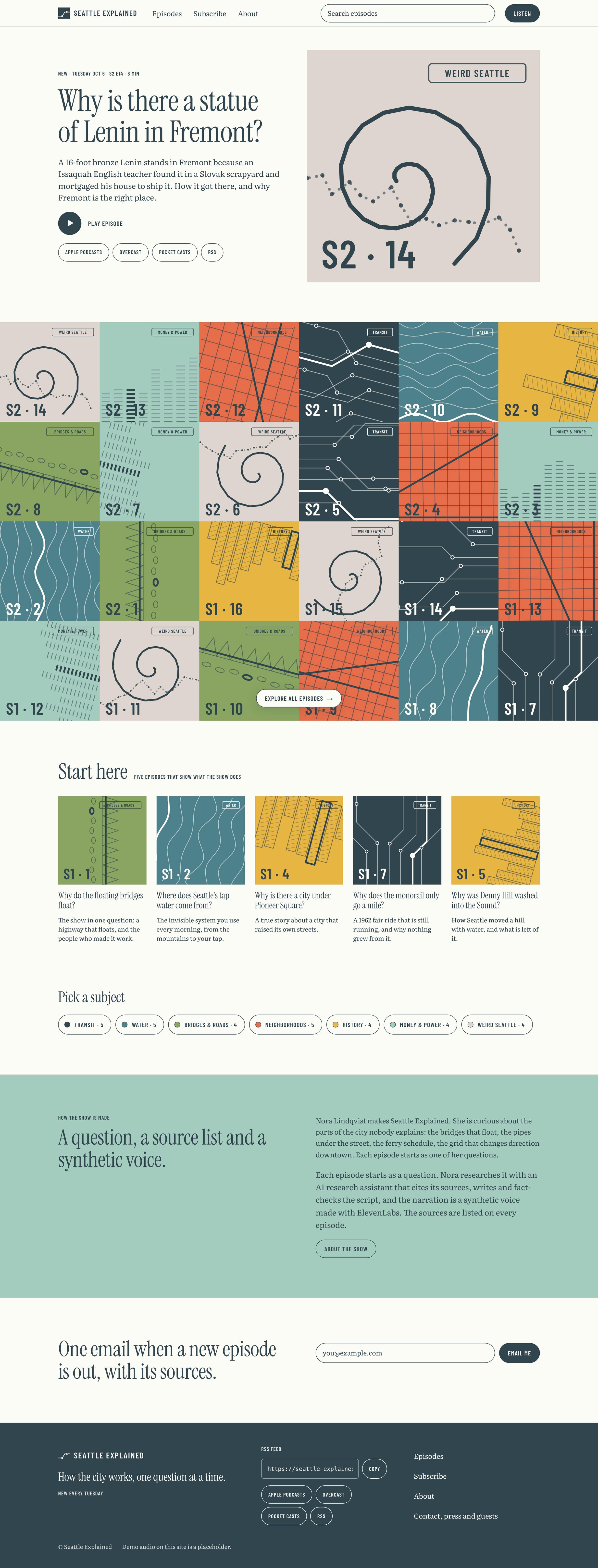
A podcast website template, with its own site and feed and an AI producer that helps write and voice each episode.

Make this your business
Tools to run the business
The template includes internal tools for making episodes, publishing and listeners.
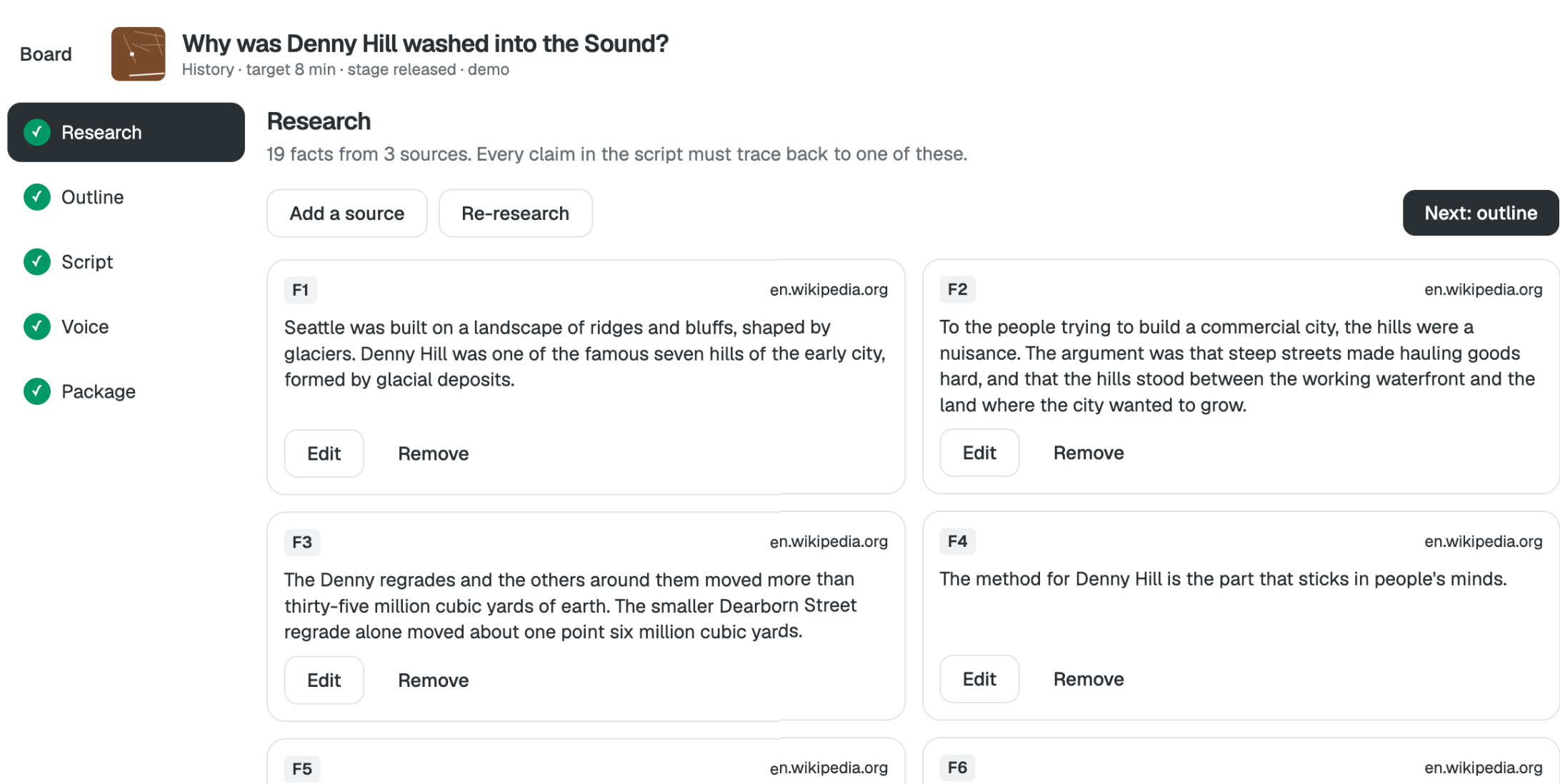
Episode Generator
Research a topic with sources, then outline, script and voice it.
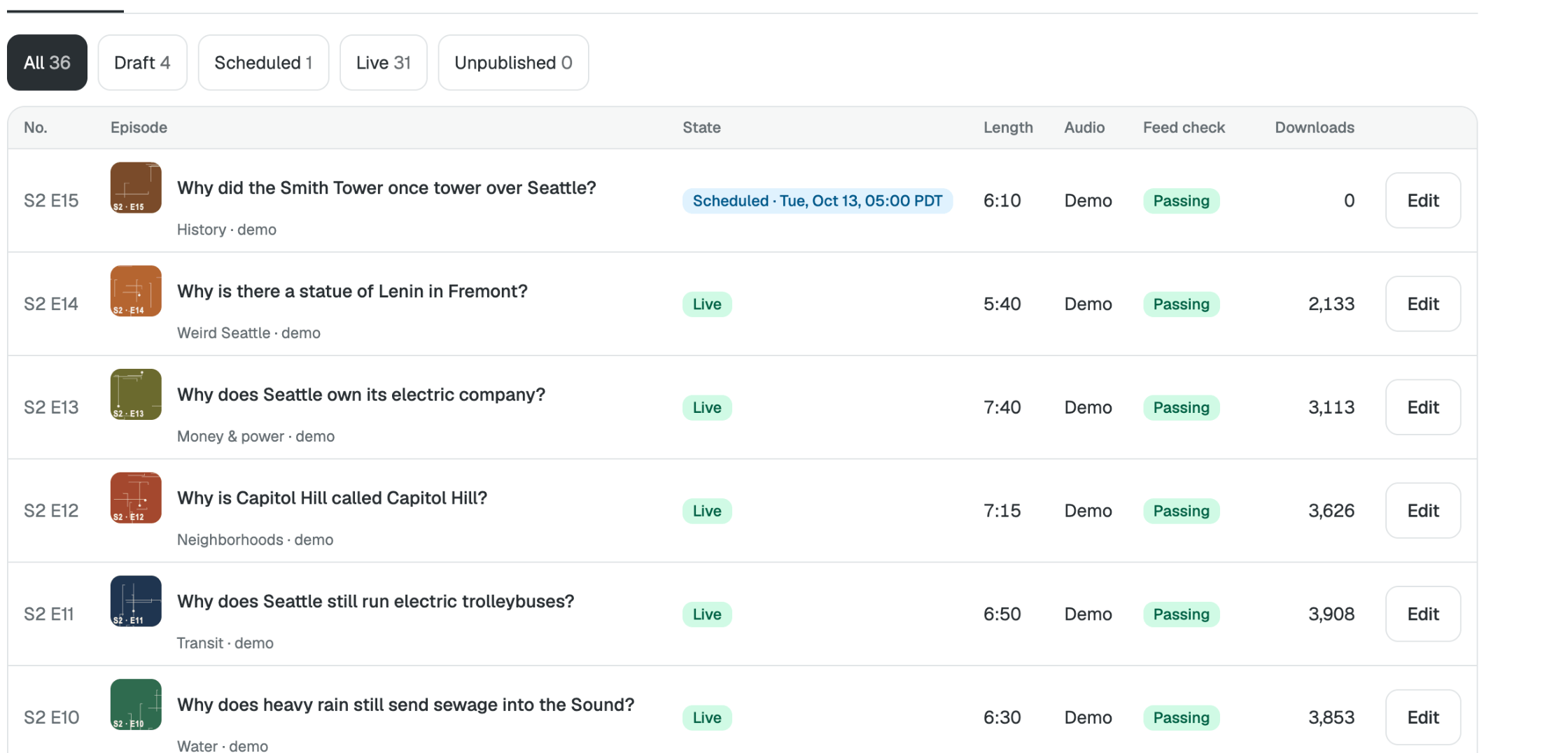
Publish
Schedule episodes and check your feed for Apple Podcasts and Spotify.
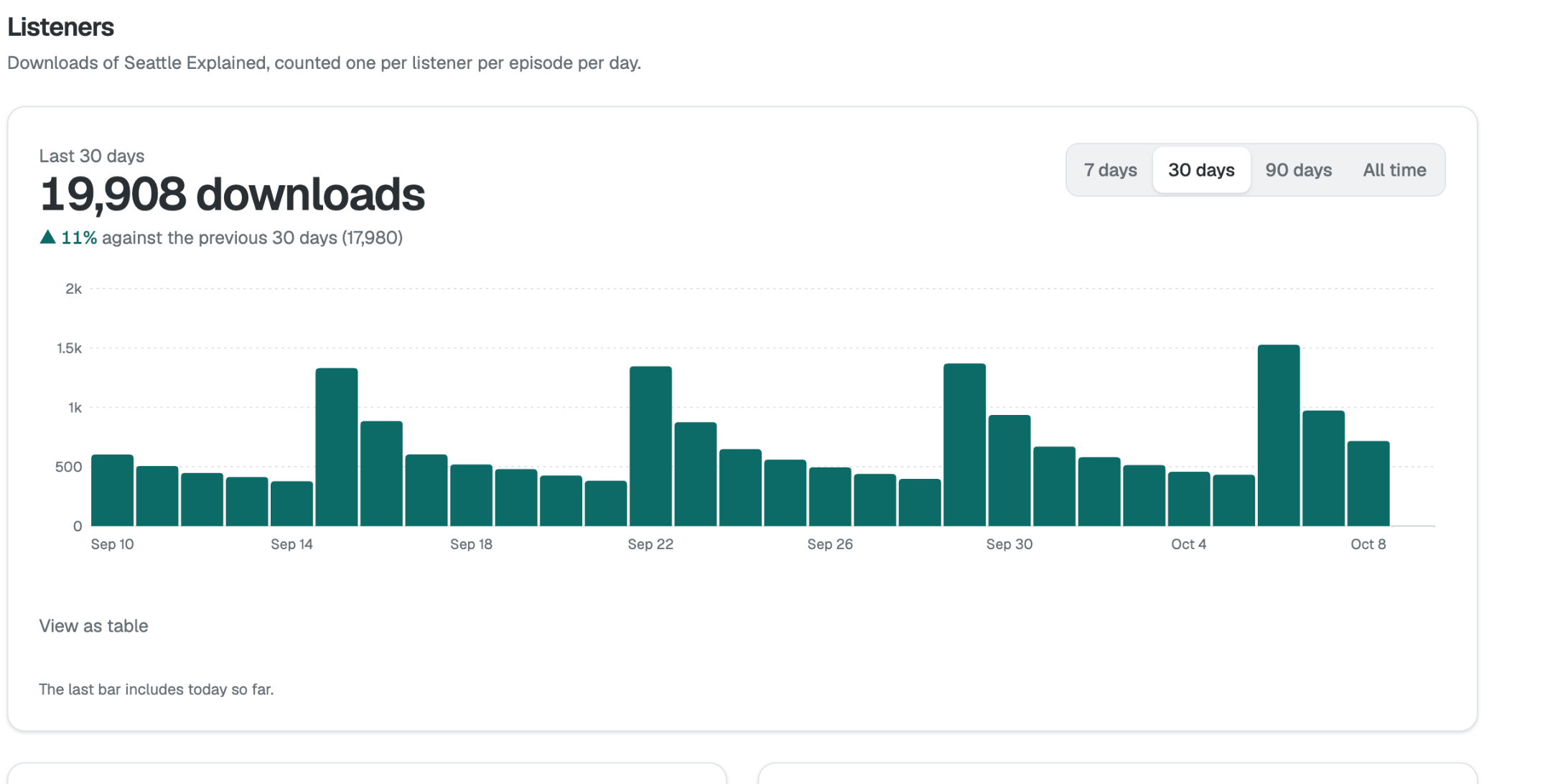
Listeners
See downloads, each listener counted once per episode per day.
Your first customer
Here's what a listener sees when they find your show.
-
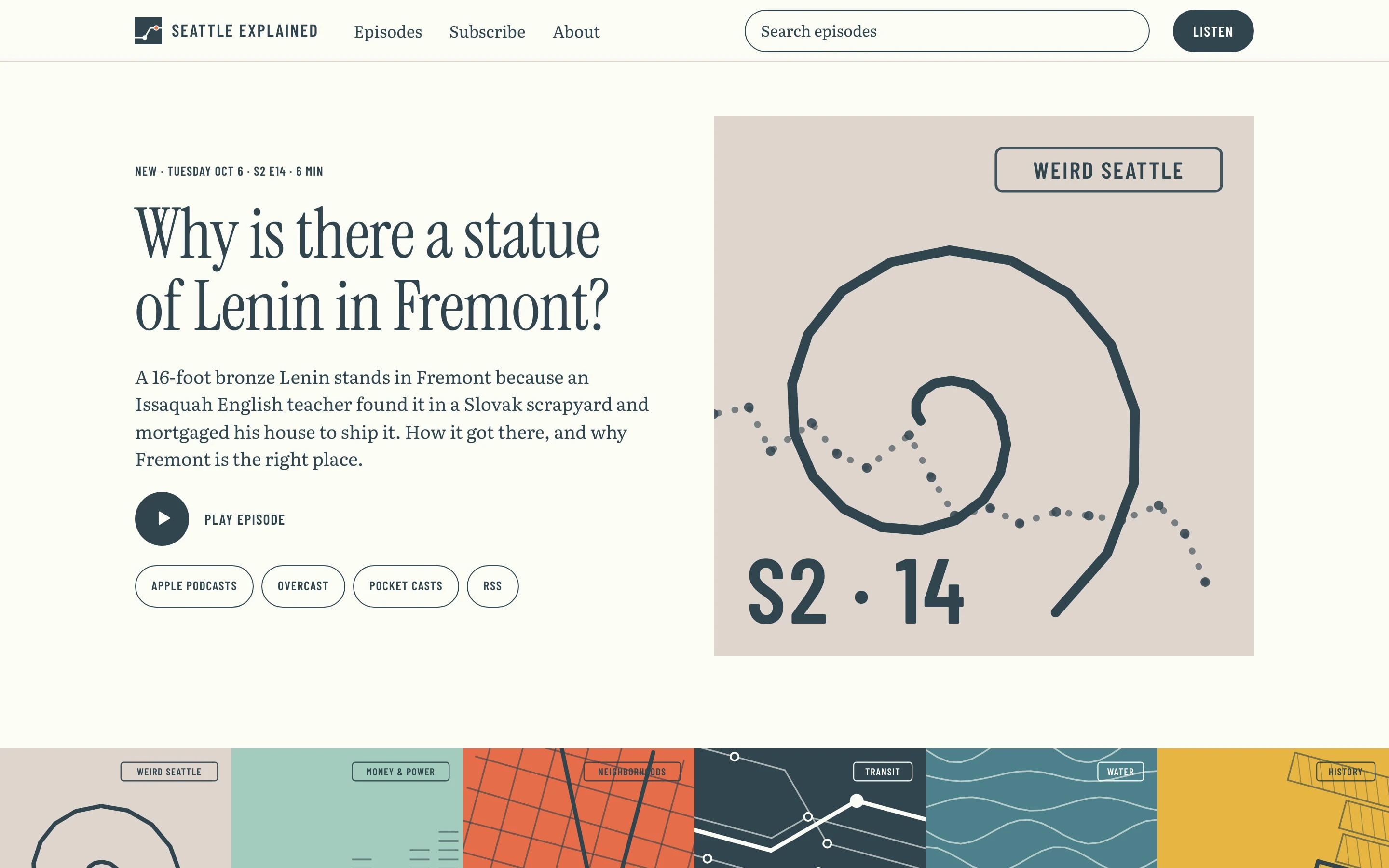
Land on the show
The newest episode is at the top.
-
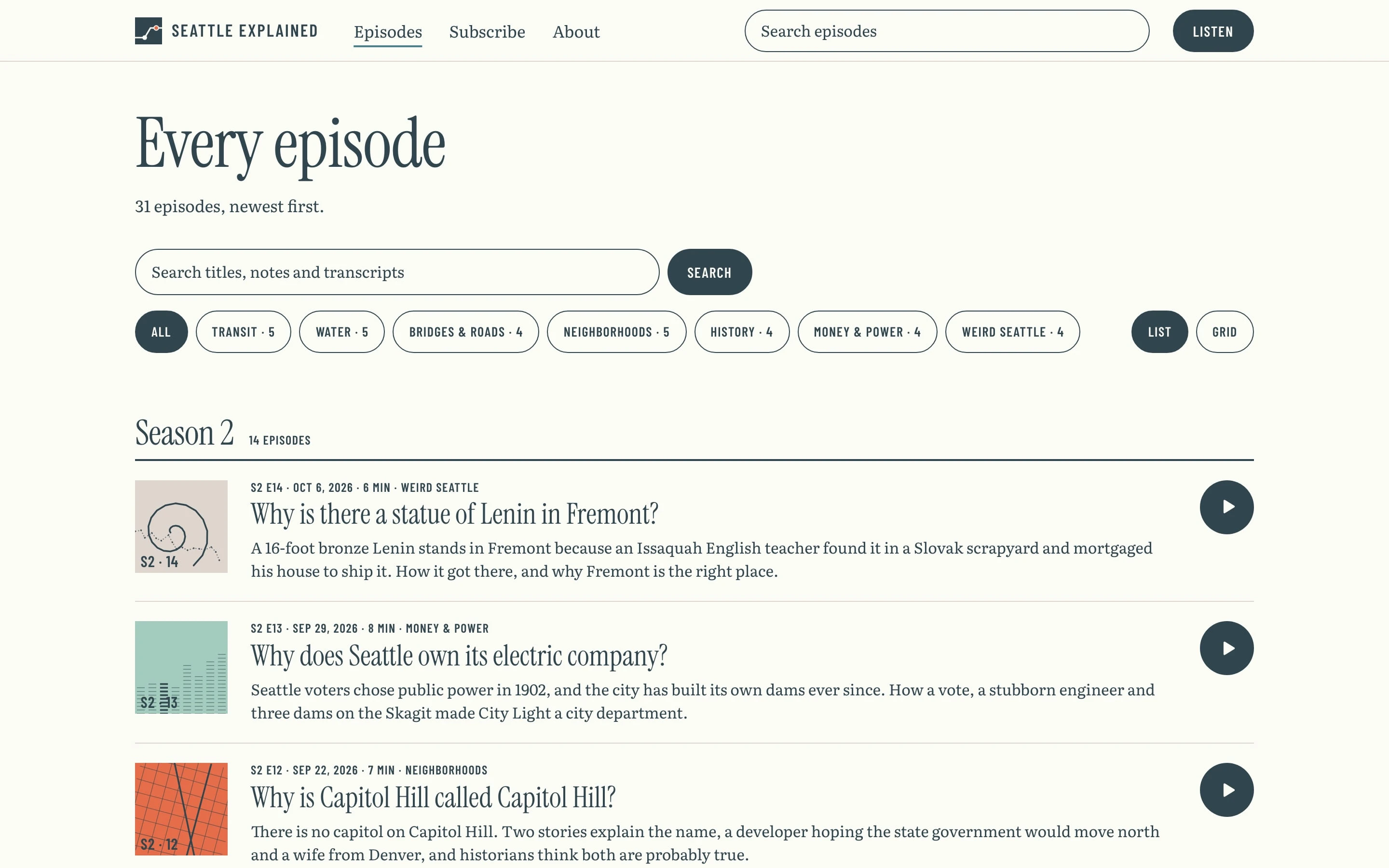
Browse episodes
Search by topic or title.
-
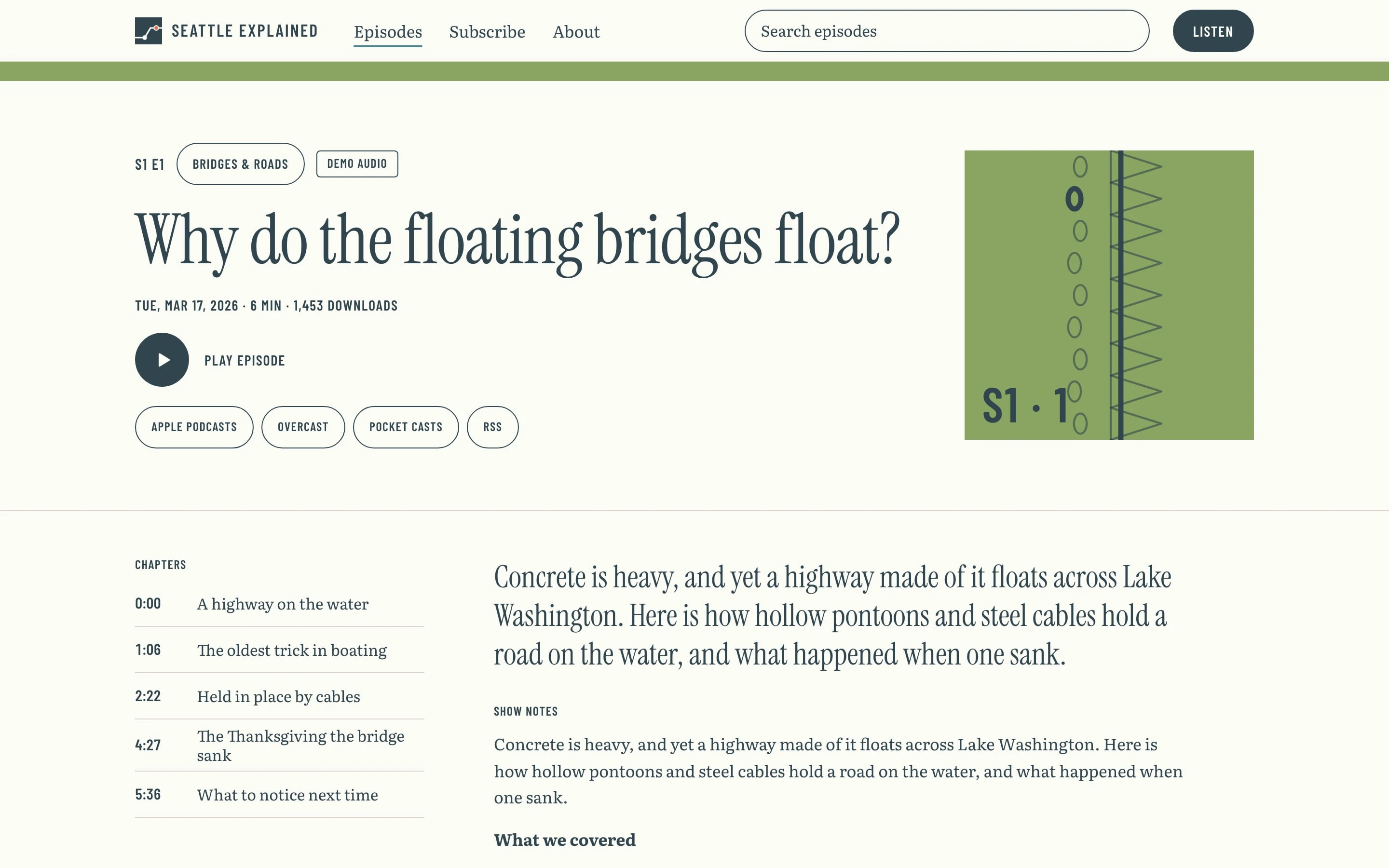
Press play
Each episode has chapters and show notes.
-
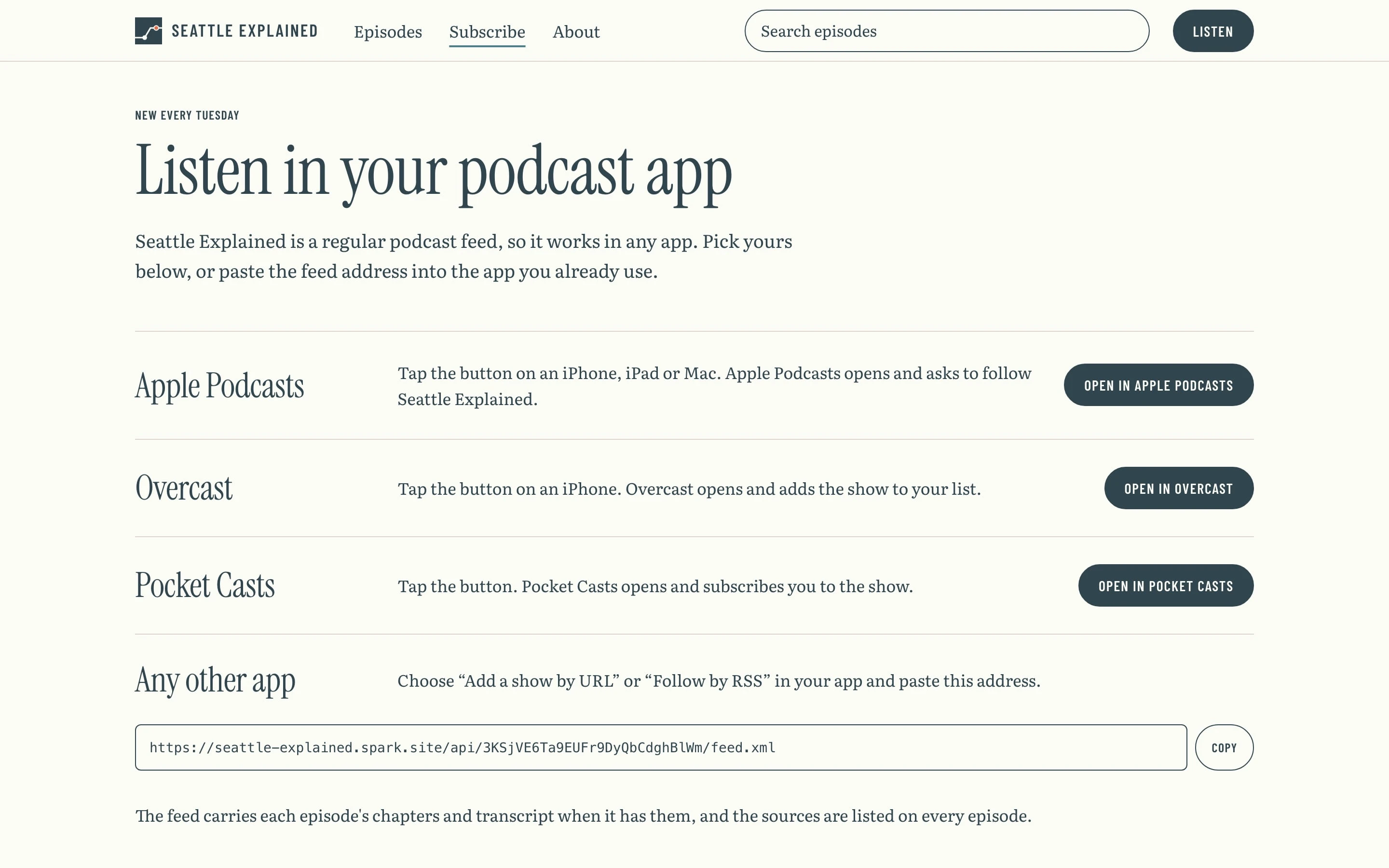
Subscribe
One tap in Apple Podcasts or any other app.
Ask Spark for changes
Your template comes with the Spark agent. Ask for changes, and Spark will update your project.
-
Make it a weekly show about Chicago architecture, hosted by me.
-
Release on Thursdays, 8 to 12 minutes an episode.
-
Use my own voice instead of the AI voice.
-
Add a line to the About page on how I use AI.
-
Your transit episodes get the most downloads. Want me to suggest more topics like them?
-
Should I email your list when a new episode comes out?
What you don't have to pay for
These are usually separate subscriptions that someone has to connect. Spark includes them in one plan.
What you'd pay for separately
- Website builder and hosting
Separately: $39/mo - Podcast hosting and an RSS feed A typical growth plan
Separately: $20/mo - Download statistics
Separately: $9/mo - Email sign-up pages
Separately: $39/mo - An AI writer for research and scripts
Separately: $20/mo - Admin tools and a database One seat
Separately: $24/mo - A freelance developer to connect it all 10 hours a month at $30 an hour
Separately: $300/mo
Total Separately: $451/mo
With Spark Start for free
Each price is a typical small-business plan, billed monthly. Card fees apply either way.
Common questions
What does it cost?
Nothing to start, and you can publish on Spark's free plan at a spark.site address. Taking payments and using your own domain need a paid plan, from $25 a month. See pricing.
Do I need an ElevenLabs account?
To make voiced audio in the Episode Generator, yes. Add your own ElevenLabs key in Project settings, and you pay ElevenLabs for the voice. Without one, research, outline, script and package still work, and you can upload a recorded MP3 instead.
Will it work with Apple Podcasts and Spotify?
The feed is built for both, and Publish checks it and walks you through submitting it. Each service reviews and approves your show itself.
Are the downloads on this page real?
No. Seattle Explained, its episodes and its numbers are demo data you can remove in one click. The demo audio is a placeholder.
Do I get the original's customers or domain?
No, those stay with the original business, and you choose your own address.
Do I need to know how to code?
No. Ask for changes in plain words.
Who can I ask before starting?
Email support@spark.site and we'll answer.
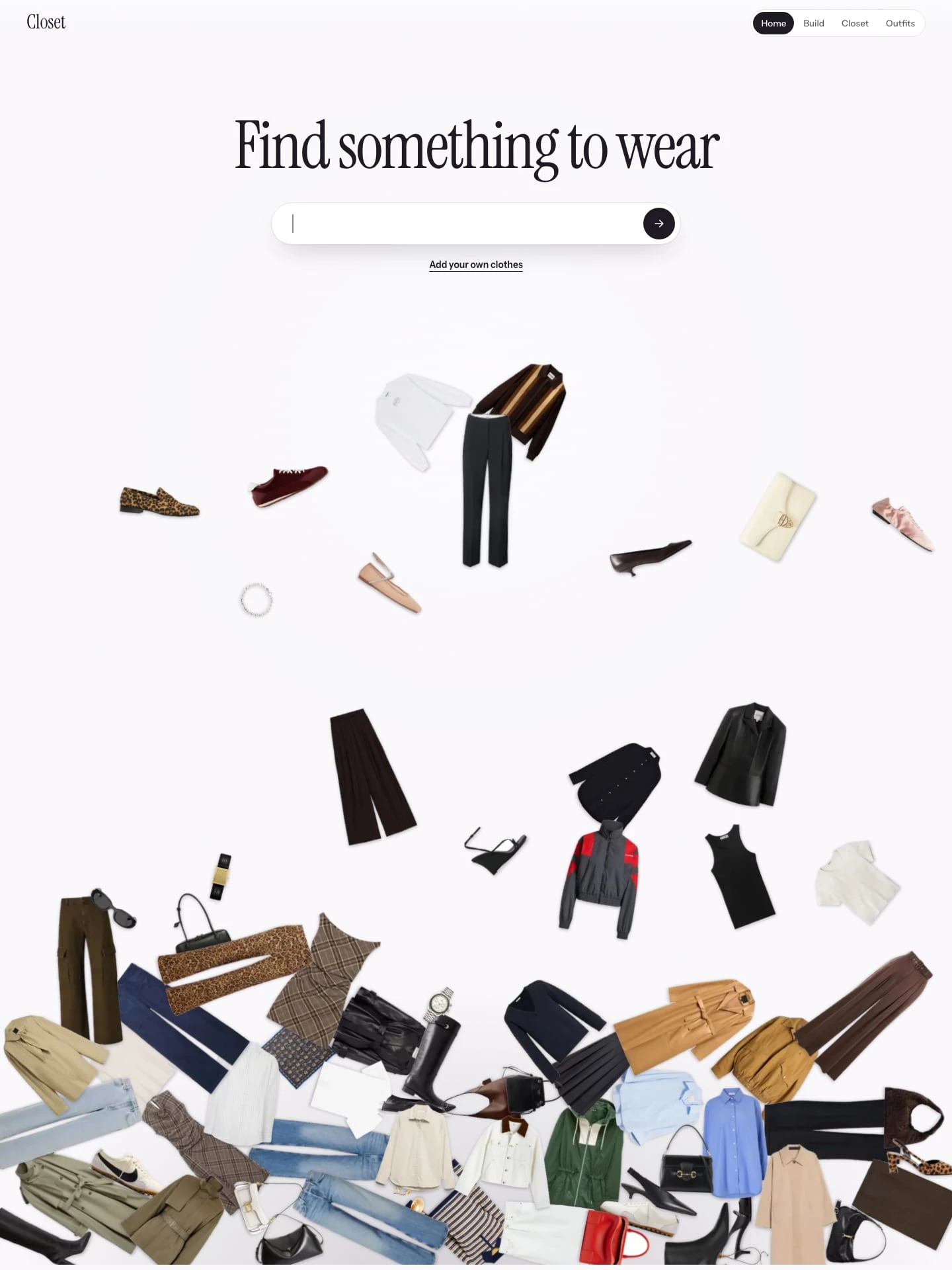
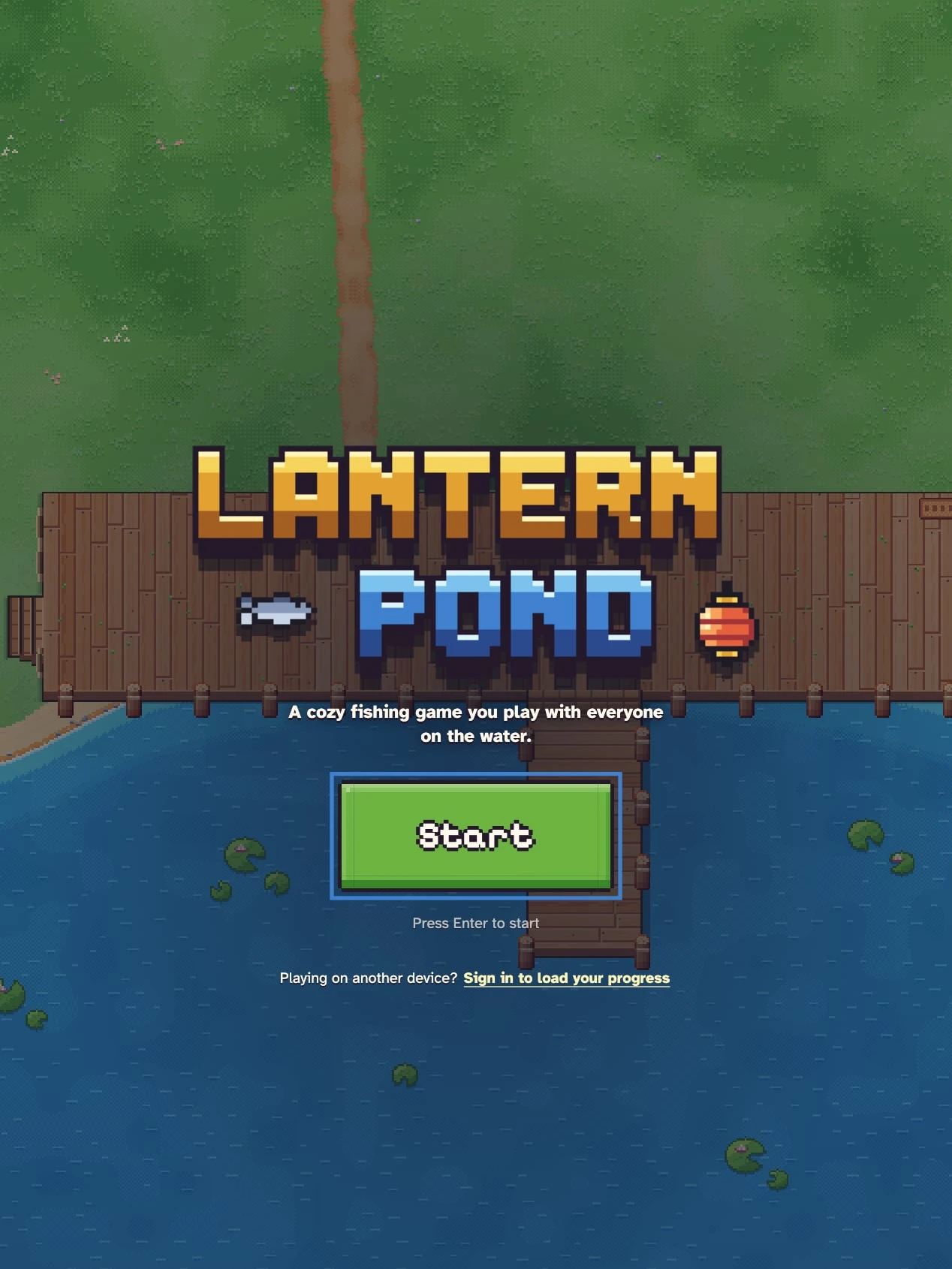
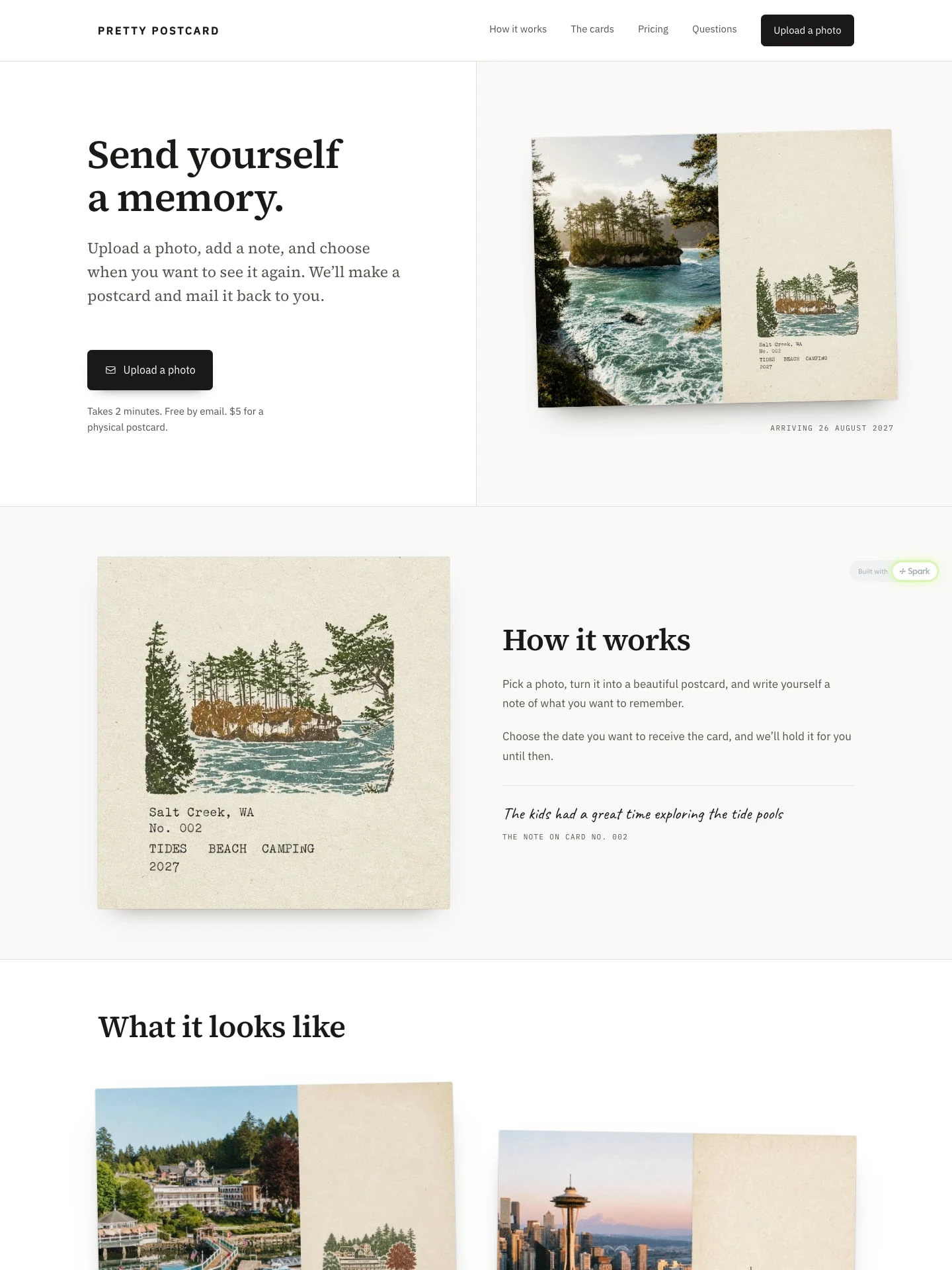
Start with Podcast Studio
Here's what happens when you start.
- It opens in your account Podcast Studio appears as a new project in Spark. New to Spark? You make an account first.
- Make it yours Ask Spark for your show, your host, your look and your topics. Add your ElevenLabs key to voice episodes.
- Publish and submit your feed Publish and your show goes live. Then send your feed to Apple Podcasts and Spotify.