

Seattle Wedding Vendor Guide
A directory website template. Vendors pay to be listed, and couples search and send inquiries for free.
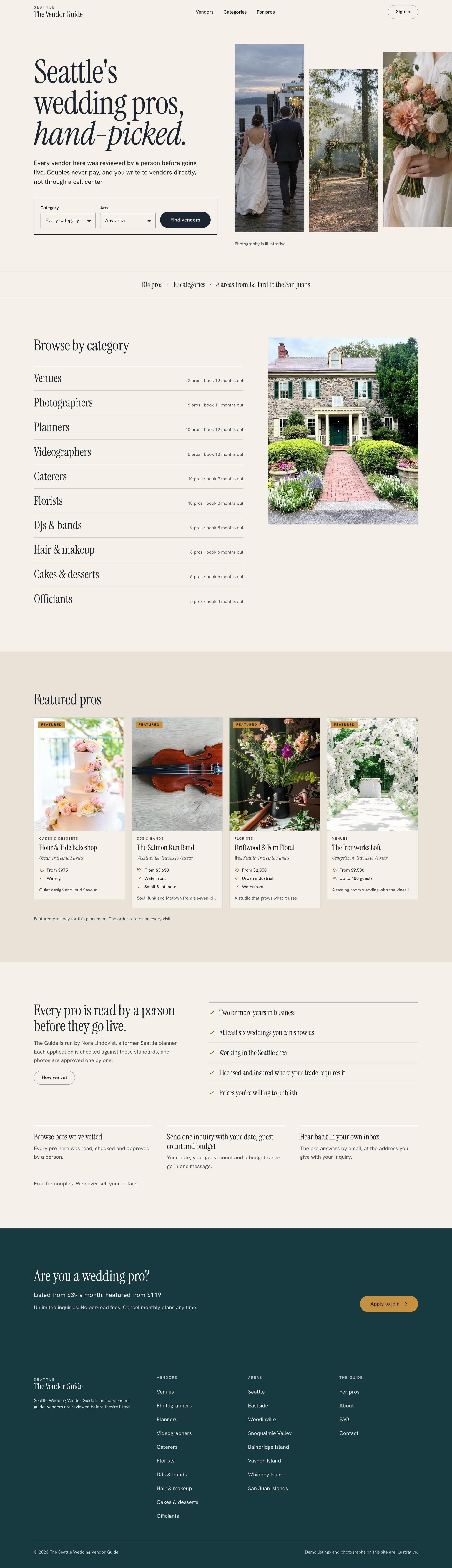

Make this your business
Tools to run the business
The template includes internal tools for reviewing vendors, leads, billing and directory setup.
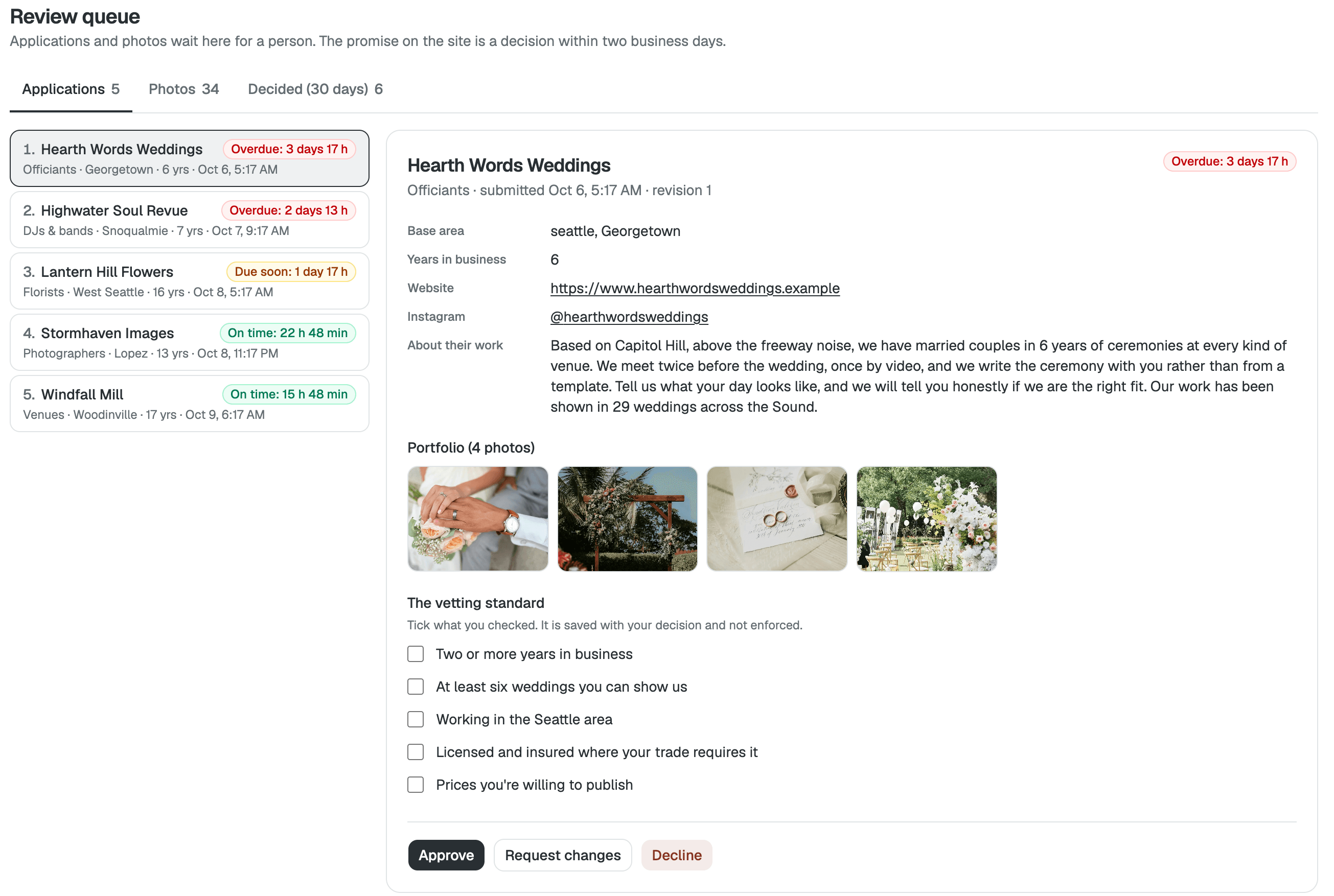
Review queue
Approve vendor applications and photos, and see how long each has waited.
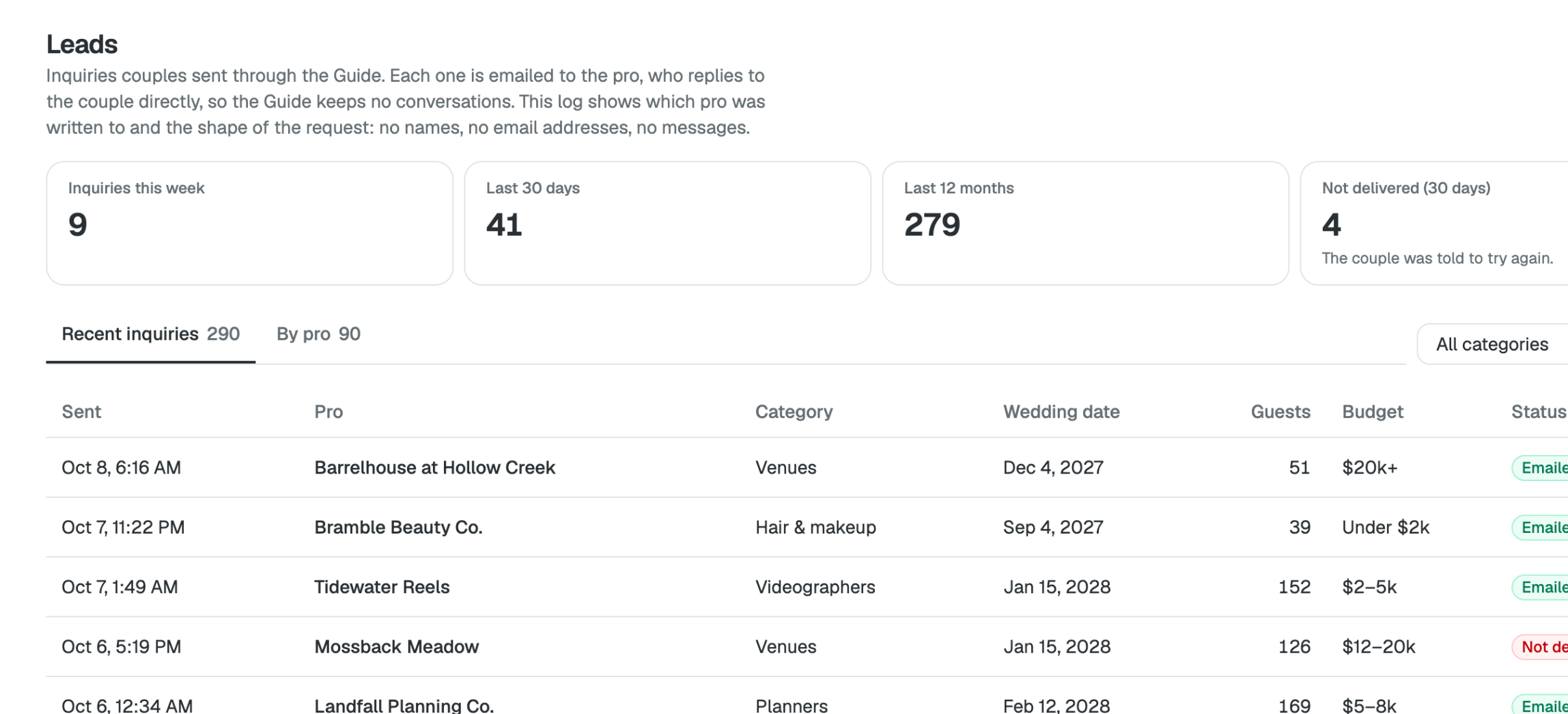
Leads
Every inquiry sent through the guide, by pro and request.
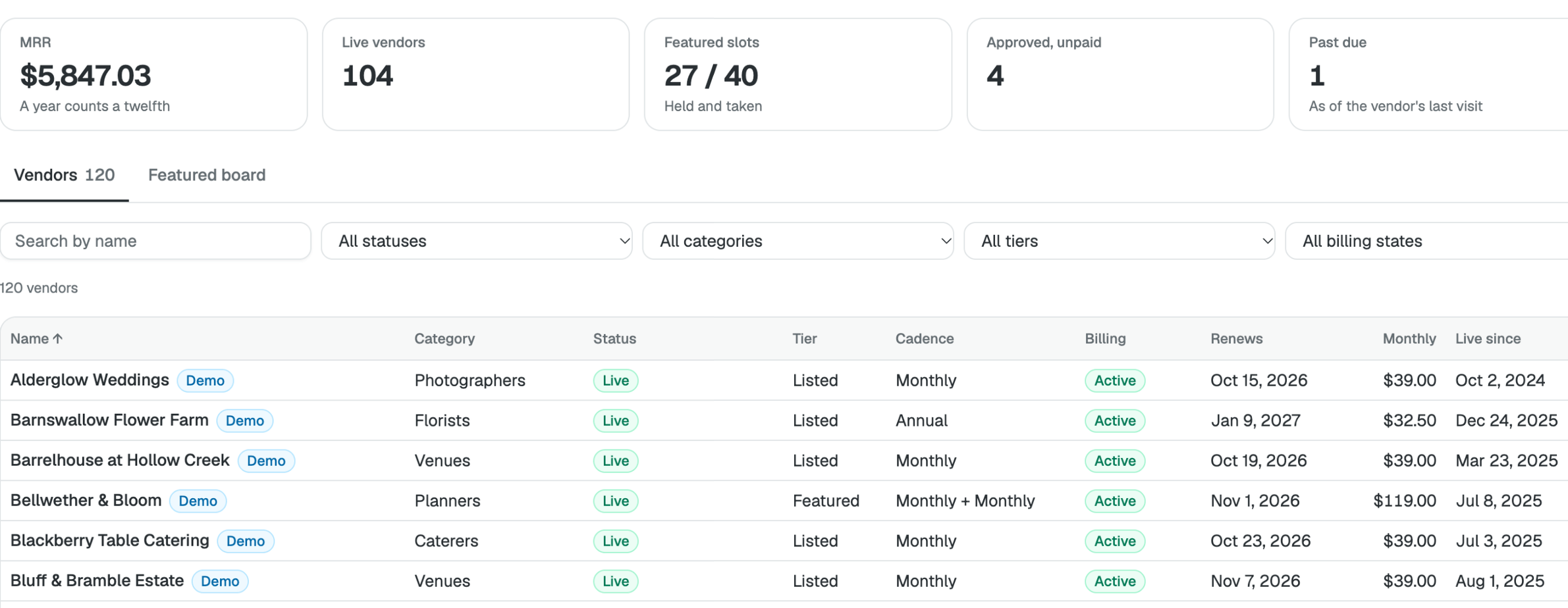
Vendors & billing
See monthly revenue, every vendor's plan and the Featured board.
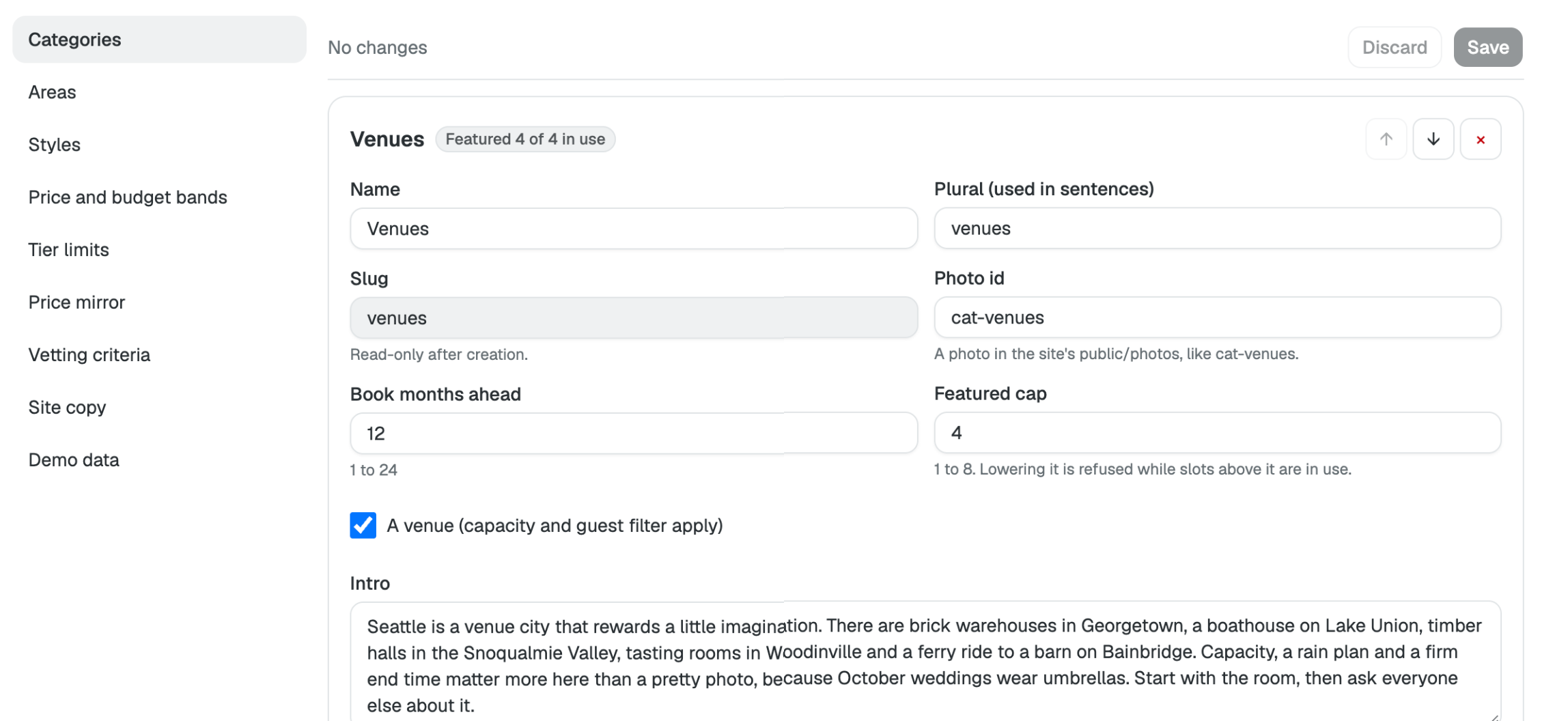
Directory setup
Set the categories, areas, styles, price bands and Featured cap.
Your first customer
Here's what a couple sees when they find a vendor.
-
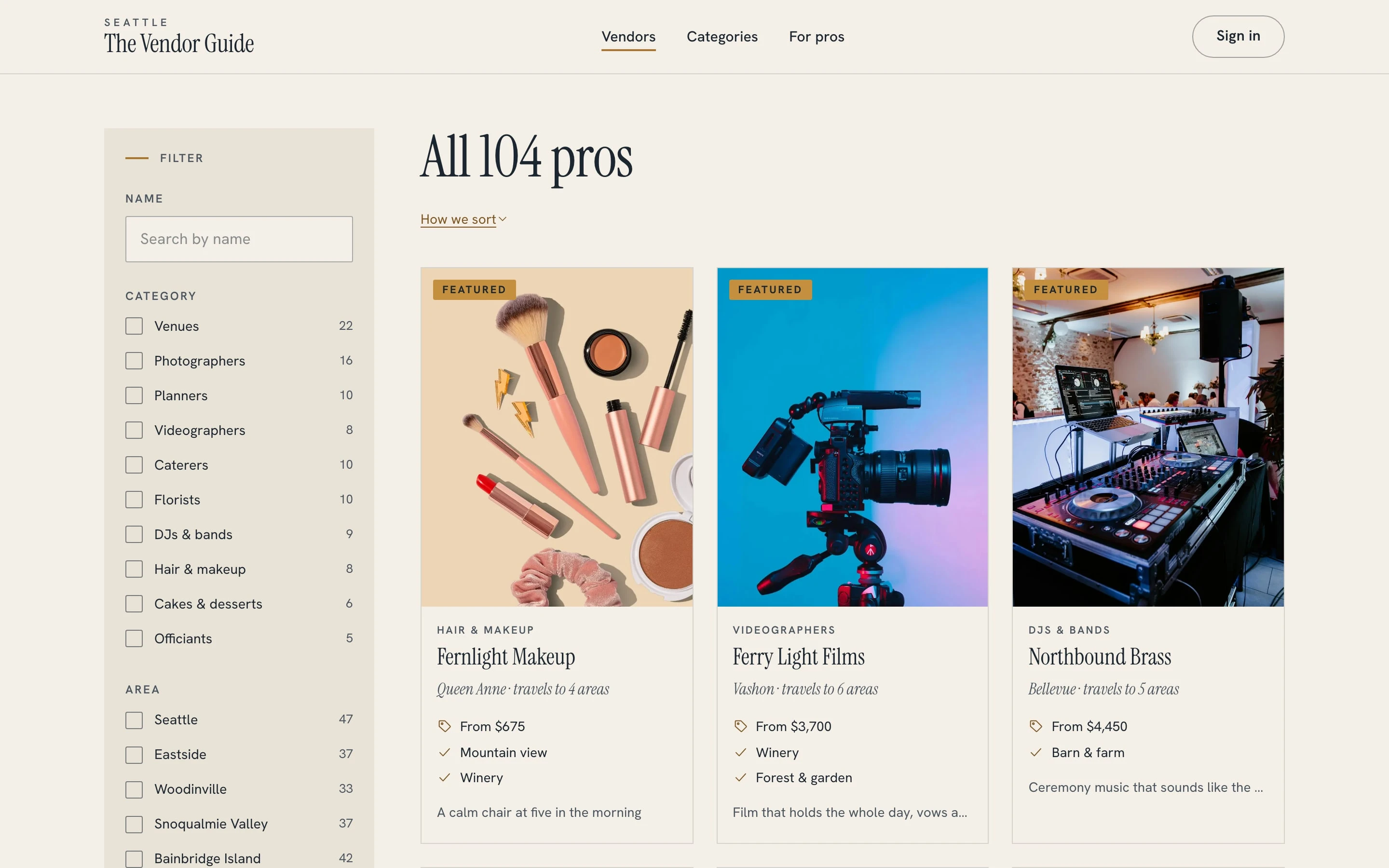
Search vendors
Filter by category, area and budget.
-
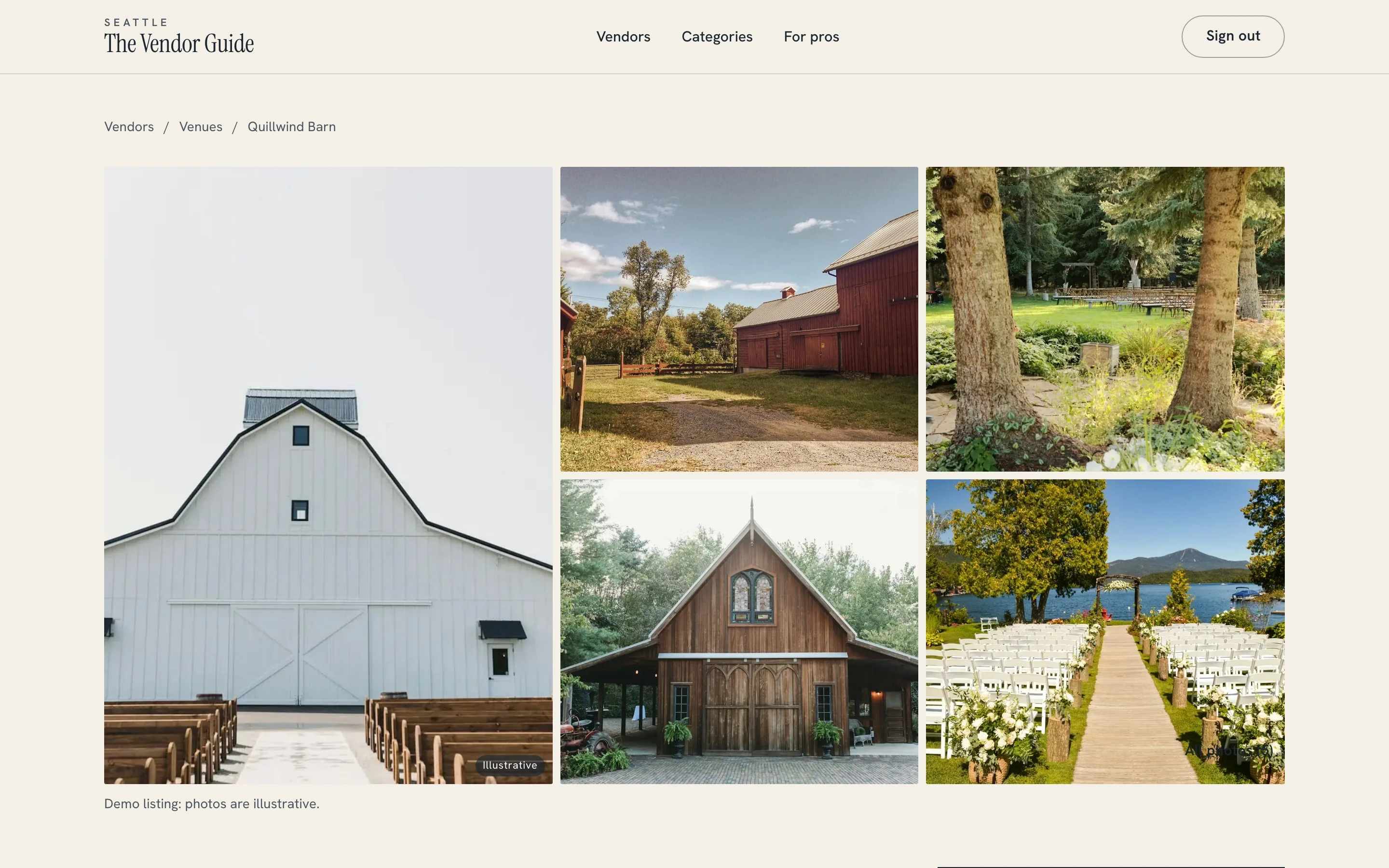
Open a profile
Photos, prices and what's included.
-
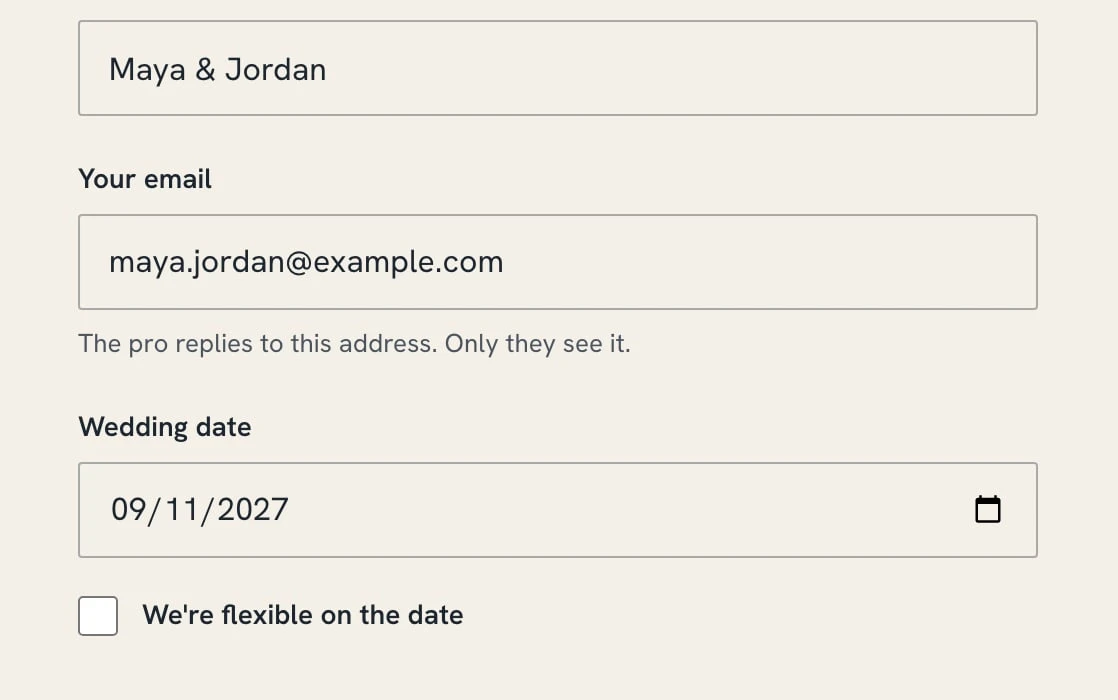
Send an inquiry
Date, guest count, budget and a note.
-
You see every inquiry
It lands in Leads, and the vendor gets it by email.
Ask Spark for changes
Your template comes with the Spark agent. Ask for changes, and Spark will update your project.
-
Make this a guide for Portland wedding vendors.
-
Change Listed to $49 a month and allow 3 Featured vendors per category.
-
Add a category for rentals.
-
Ask vendors for three recent weddings before I approve them.
-
Four applications have waited more than two days. Want me to email you each morning about new ones?
-
Photographers have no Featured spots left. Should I open two more?
What you don't have to pay for
These are usually separate subscriptions that someone has to connect. Spark includes them in one plan.
What you'd pay for separately
- Website builder and hosting
Separately: $39/mo - Directory listings with paid vendor plans
Separately: $40/mo - Admin tools and a database One seat
Separately: $24/mo - A freelance developer to connect it all 10 hours a month at $30 an hour
Separately: $300/mo
Total Separately: $403/mo
With Spark Start for free
Each price is a typical small-business plan, billed monthly. Card fees apply either way.
Common questions
What does it cost?
Nothing to start, and you can publish on Spark's free plan at a spark.site address. Taking payments and using your own domain need a paid plan, from $25 a month. See pricing.
How do vendors pay?
Vendors choose Listed, monthly or annual, only after you approve their application, so nobody pays and is then turned down. Featured is an add-on with a capped number of slots per category. Payments go through your Stripe account.
Do couples need an account?
They can browse without one. To write to a vendor they sign in with an email code.
Are the vendors real?
No. The 100-plus vendors, and their photos are made-up demo data so you can see it working. Remove it all from Directory setup, then add your own vendors.
Do I need to know how to code?
No, those stay with the original business, and you choose your own address.
Who can I ask before starting?
Email support@spark.site and we'll answer.
Start with Seattle Wedding Vendor Guide
Here's what happens when you start.
- It opens in your account Seattle Wedding Vendor Guide appears as a new project in Spark. New to Spark? You make an account first.
- Make it yours Ask Spark for your city, your categories, your prices and your look.
- Connect payments and publish Publish and your guide goes live at its own address. Taking payments needs a paid plan.